
Introduction
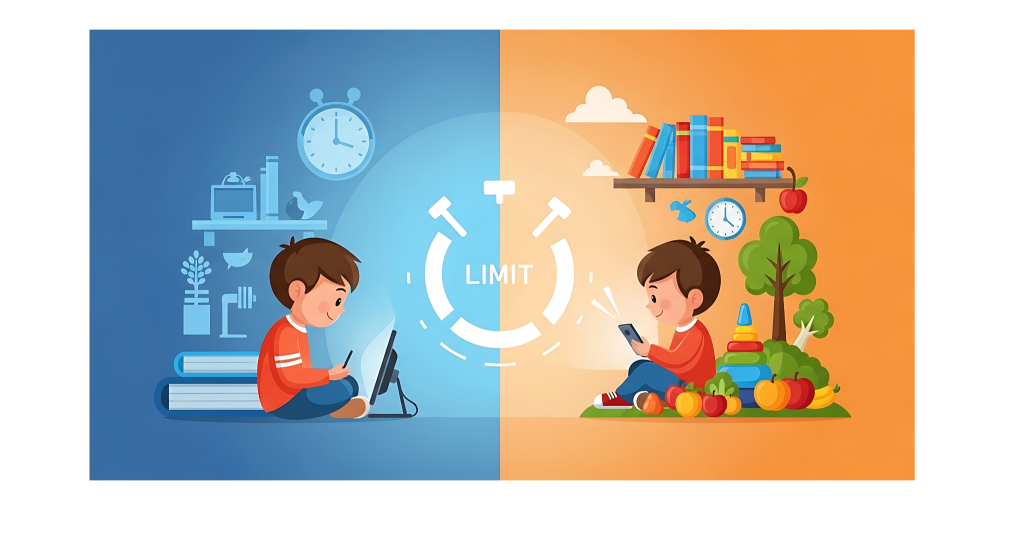
Screens are part of everyday life for children—used for schooling, learning apps, social connection, and entertainment. While digital tools offer huge educational benefits, excessive or poorly managed screen time can hurt sleep, attention, and social development. Parents and caregivers don’t need to ban screens; they need a practical, balanced approach that supports learning, family life, and healthy habits. This guide explains evidence-backed strategies to balance school-related screen time with rest, play, and real-world learning.
1. Why balance matters
- Cognitive and emotional health: Too much passive screen time (video watching, aimless browsing) is linked to reduced attention spans, slower language development in younger kids, and increased anxiety in adolescents. Purposeful screen use—interactive learning or creative tasks—tends to be less harmful and often beneficial.
- Sleep and physical health: Evening screen use, especially on backlit devices, disrupts melatonin and sleep. Less sleep affects concentration, mood, and academic performance.
- Social and motor skills: Real-world play and face-to-face interactions build social skills, conflict resolution, and fine/gross motor development—areas screens cannot fully replicate.
- School demands: Remote and hybrid learning increased children’s necessary screen hours, so the focus should be on quality of screen time rather than just quantity.
2. Practical baseline guidelines (age-based)
- Ages 2–5: Limit screen time to 1 hour/day of high-quality, parent-guided content. Avoid screens for entertainment during this stage except for occasional educational video-chat with family.
- Ages 6–12: Aim for 1–2 hours/day of recreational screen time outside schoolwork. Prioritize physical play, homework, chores, and family time first.
- Ages 13–18: Teens can have more responsibility, but encourage limits: avoid screens during meals, at least 30–60 minutes of device-free wind-down before bed, and set daily recreational limits that don’t interfere with sleep, schoolwork, or family life.
3. Create a family media plan
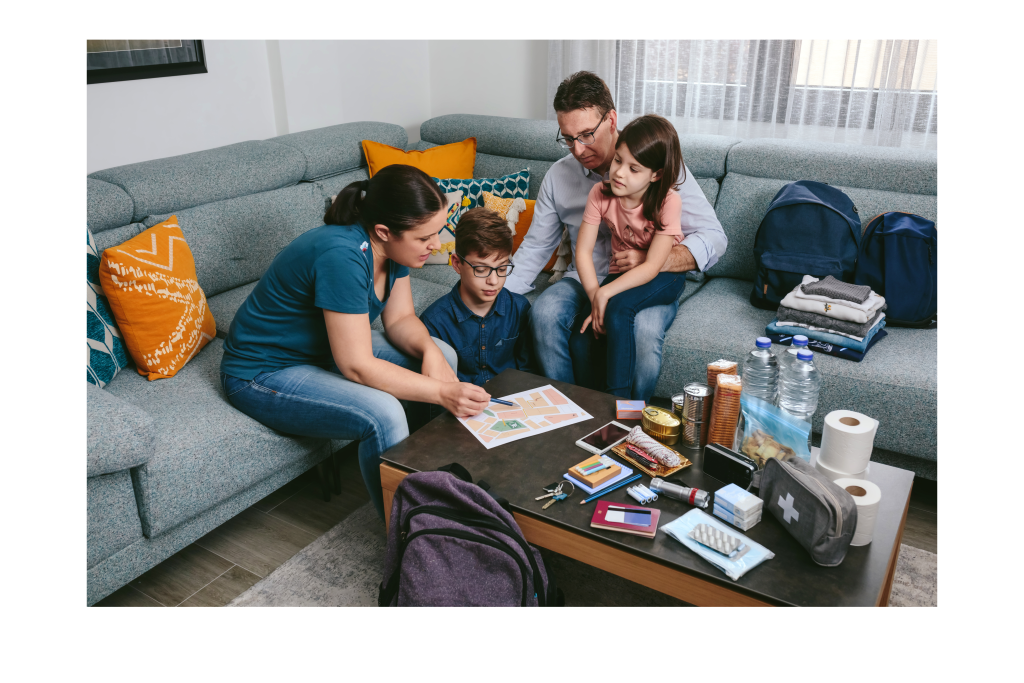
- Set clear expectations: Write down rules about when and where devices are allowed, homework device policies, and acceptable apps/games. Put it somewhere visible.
- Involve kids: Co-create rules so children feel ownership and are more likely to follow them. Adjust rules as they grow and demonstrate responsibility.
- Designate device-free zones/times: e.g., dining table, bedrooms at night, first hour after school. Device-free family activities (walks, board games) build connection.
- Use routines not punishments: Focus on consistent schedules—homework block, outdoor play, creative time, then limited recreational screens—rather than arbitrary bans.
4. Differentiate school vs. recreational screen time
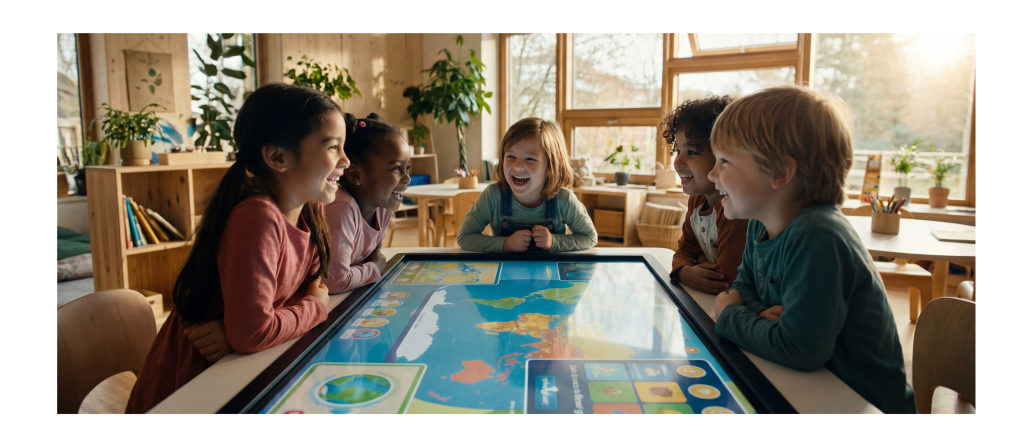
- Track purpose: Help kids understand which screen uses are educational (research, assignments, reading, interactive learning) and which are recreational (games, social apps, streaming).
- Time-blocking method: Block out dedicated periods for schoolwork on the family calendar. After productive, focused study time, allow a short recreational break.
- Teach metacognition: Encourage kids to self-monitor—ask whether their screen activity is helping them reach goals (learning, connecting, rest) or just filling time.
5. Build better screen habits for learning
- Set up a focused workspace: Clean desk, good lighting, comfortable chair, minimal distractions. Use headphones for online classes only when needed.
- Use productivity techniques: Pomodoro (25–45 minutes focused work followed by a 5–15 minute break) can help younger students maintain attention.
- Encourage active learning: Suggest tutorials, interactive quizzes, and note-taking instead of passive watching. Teach kids to summarize what they learned after a lesson.
- Check accessibility and ergonomics: Position screens at eye level, use blue-light filters in the evening, and remind kids to take micro-breaks for posture (stand, stretch every 30–45 minutes).
6. Replace passive screen time with richer alternatives
- Play-based activities: Outdoor play, sports, bike rides, or simple playground time.
- Creative projects: Drawing, crafts, building sets, music, or storytelling.
- Reading and library time: Independent reading or read-aloud sessions strengthen language and concentration.
- Social interaction: Arrange playdates, family game nights, or volunteer projects to build social skills.
7. Use parental controls and tech thoughtfully
- Built-in tools: Use screen-time tools and app limits on phones and tablets to automate boundaries.
- App selection: Choose age-appropriate educational apps and limit notifications to reduce interruptions.
- Modeling matters: Parents should model balanced device use. Kids imitate adults—showing phone-free dinners and focused attention reinforces rules.
8. Troubleshooting common challenges
- Homework takes too long on screen: Teach keyboard shortcuts, organization skills, and research strategies. Break tasks into smaller chunks and remove unnecessary tabs/apps during homework.
- Child resists limits: Hold a calm conversation, restate reasons rules exist, and offer alternatives. Offer incentives for meeting screen-time goals and consistent follow-through.
- Screens used to calm emotions: Teach alternative coping strategies (deep breathing, drawing, talking) and reserve calming screen activities for specific short times only.
- Multiple devices and blended learning: Coordinate with teachers to understand required screen time. If assignments require video calls, balance by reducing recreational screen allowance that day.
9. Measuring success and adapting
- Look for outcomes, not just time: Better sleep, improved homework focus, fewer fights over devices, and happier family interactions are better indicators of balance than rigid hour counts.
- Reassess periodically: Technology and school demands change. Review the family plan every 2–3 months, or after a major change like switching schools or returning from vacation.
- Teach digital literacy: As kids grow, prioritize skills like evaluating online sources, privacy awareness, and respectful online behavior—these are long-term wins beyond time limits.
10. Quick daily schedule example (elementary school)
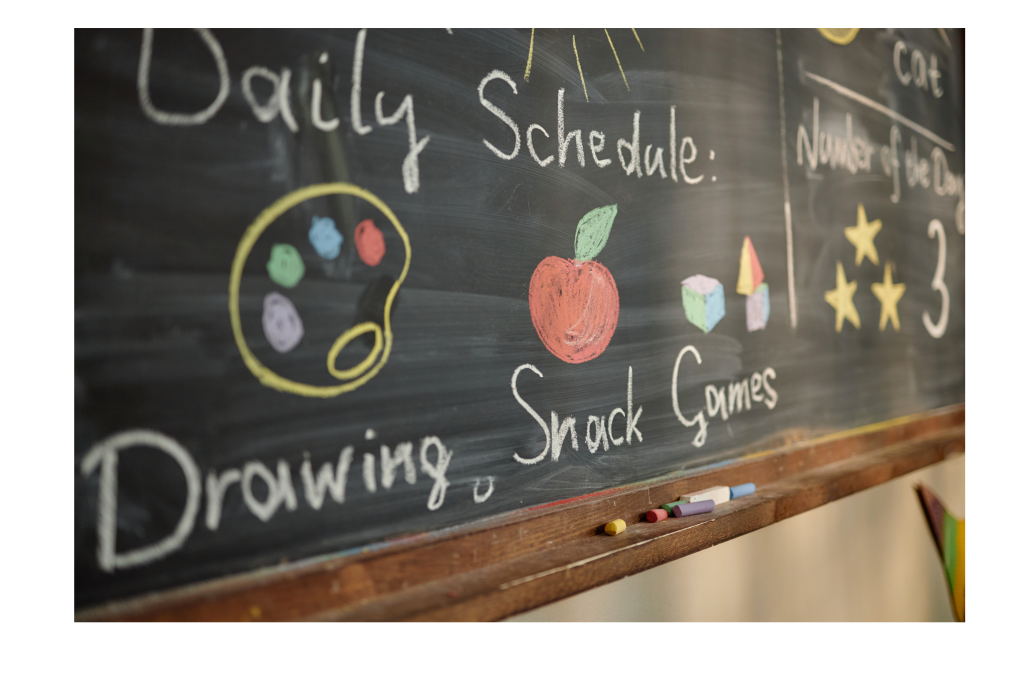
- After school: 30–45 minutes snack + outdoor play
- Homework block: 30–60 minutes (screen for assignments only)
- Family time/dinner: 30–60 minutes device-free
- Recreation: 30–45 minutes (screens allowed for games/videos)
- Bed routine: wind-down 30–60 minutes device-free; reading or quiet activity
Frequently asked questions
- Are all screen activities equally harmful? No. Active, educational, social, or creative screen use tends to be more beneficial than passive consumption like streaming or endless social feeds.
- How strict should limits be on weekends? Weekends can be more flexible, but maintain consistent sleep schedules and include physical and social activities.
- What about older teens? Give them more autonomy but set expectations around sleep, school performance, and respectful family use. Use contracts or agreements if helpful.
Conclusion
Balancing school and screen time is less about strict prohibition and more about intentional use. Prioritize quality over quantity: make screens tools for learning and creativity, set predictable routines, create device-free spaces, and teach self-regulation. With consistent structure, communication, and good role modeling, families can harness the benefits of technology while protecting children’s sleep, social skills, and overall well-being.